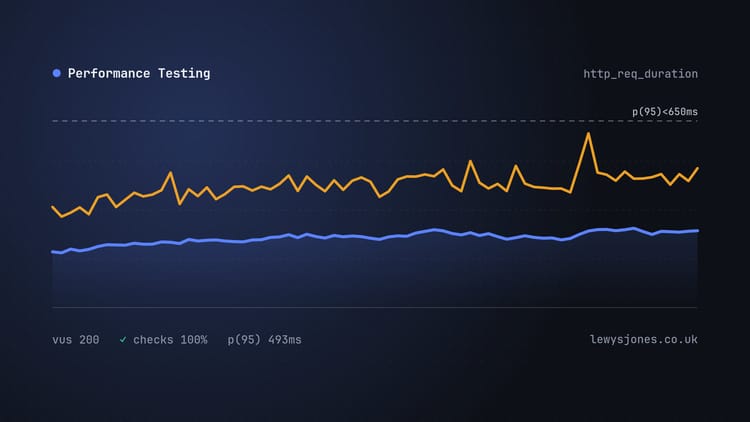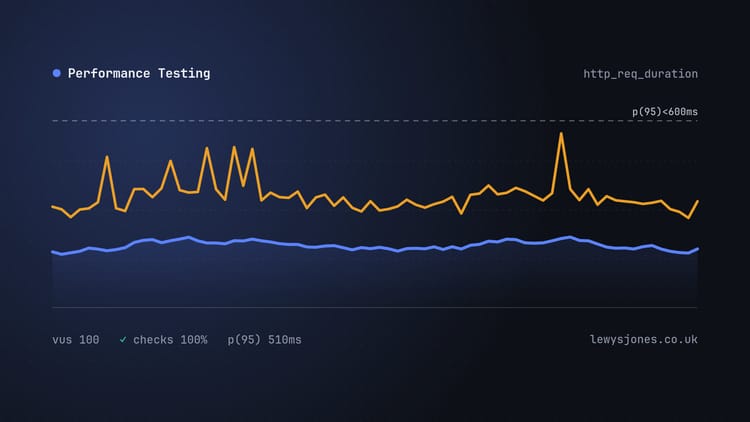
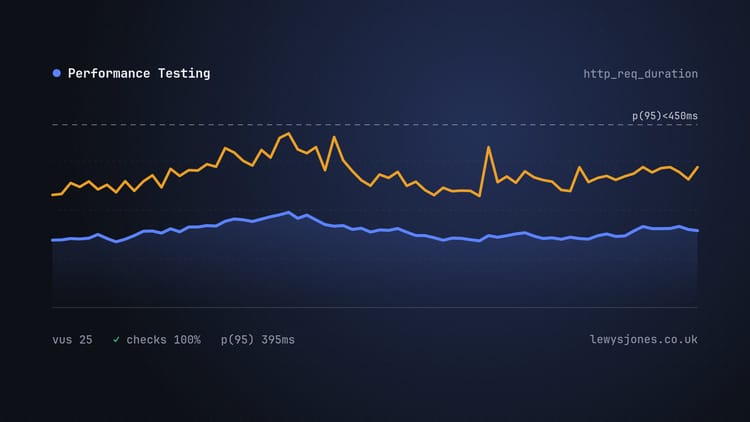
If you've ever been handed a performance test report with a single “average response time” on it, you've probably nodded along and moved on. 400ms. Sounds fine. Ship it.
The trouble is that the average is very good at hiding exactly the thing a performance test is supposed to find.
A quick example
Say you fire 100 requests at an endpoint. 90 of them come back in 200ms. The other 10 hit a slow database query and take 4 seconds.
The average works out at 580ms. Not brilliant, but not alarming either.
Except no one actually had a 580ms experience. Nine out of ten users got a snappy 200ms response, and one in ten sat there for four seconds wondering if the page had died. The average has blended two very different groups of people into one number that describes neither of them.
Now imagine that one in ten is the checkout page.
Percentiles tell you who's having a bad time
A percentile answers a much more useful question: “how slow was it for the slowest X% of requests?”
- p50 (the median) is the typical experience. Half of requests were faster than this, half slower.
- p90 / p95 is where things start getting interesting. This is the “bad but not unusual” experience.
- p99 is the tail. If you have a lot of traffic, 1% is still a lot of people.
In the example above, the p50 is 200ms and the p95 is 4 seconds. That's a completely different conversation from “the average is 580ms”, and it points you straight at the problem. Something is making a minority of requests very slow, and you want to know what.
It's also worth remembering that a single page load usually makes several requests. If a page needs ten API calls and each one has a 1% chance of being slow, then roughly one page view in ten is going to feel slow. The tail matters more than it looks.
What about the max?
I'll glance at the max, but I don't put much weight on it. It's a single data point, and it's often caused by something unrelated to what you're testing, like a garbage collection pause, a cold cache on the first request, or a blip on the network. If the max is wildly higher than the p99, it's worth a look, but I wouldn't base a pass/fail threshold on it.
Getting k6 to show you the right numbers
Out of the box, the k6 end-of-test summary shows avg, min, med, max, p(90) and p(95) for trend metrics like http_req_duration. That's a decent start, but I like having p(99) in there too. You can change which stats appear with summaryTrendStats:
export const options = {
  vus: 10,
  duration: '1m',
  summaryTrendStats: ['med', 'p(90)', 'p(95)', 'p(99)', 'max'],
};
I've dropped avg and min entirely here. Partly that's to make a point, but mostly it's because if they aren't on the screen, nobody copies them into a report.
Per-endpoint numbers matter too
One more trap: a single p95 across your whole test can still hide things. If your script hits a fast endpoint 50 times for every one call to a slow one, the slow one barely moves the overall percentiles.
Tagging requests lets you see them separately. Using the PokéAPI example from my k6 series:
import http from 'k6/http';

export default function () {
  http.get('https://pokeapi.co/api/v2/pokemon/pikachu', {
    tags: { name: 'pokemon-detail' },
  });

  http.get('https://pokeapi.co/api/v2/pokemon?limit=100', {
    tags: { name: 'pokemon-list' },
  });
}
You can then set thresholds per tag (I'll go into that in a separate post), and if you're sending results to Grafana or similar, you can break the graphs down by the name tag.
So what should go in the report?
My rule of thumb for a summary is:
- p50 and p95 for each important endpoint or user journey
- p99 if there's enough traffic for it to mean something
- error rate, because a fast error is still an error
- the load it was measured at, because “p95 of 300ms” means nothing without knowing whether that was 5 users or 5,000
None of this is new. People have been saying it for years. But I still see averages front and centre in reports far more often than I'd like, so it felt worth writing down.
If you want to see this for yourself, I built an interactive version where you can add slow requests and watch the average drift away from what users actually experience.
Next time someone tells you the average response time, ask them for the p95. If they don't have it, that's a finding in itself.